
Pfaffinger: From pilot construction site to indispensable solution
20.02.2026Billing and margin in civil engineering
03.03.2026
94% Time saving | 70-80% Less line damage
Preliminary to line information: SitePlan does not provide utility records and is not suitable for private use, e.g. for locating pipes or boundary points.
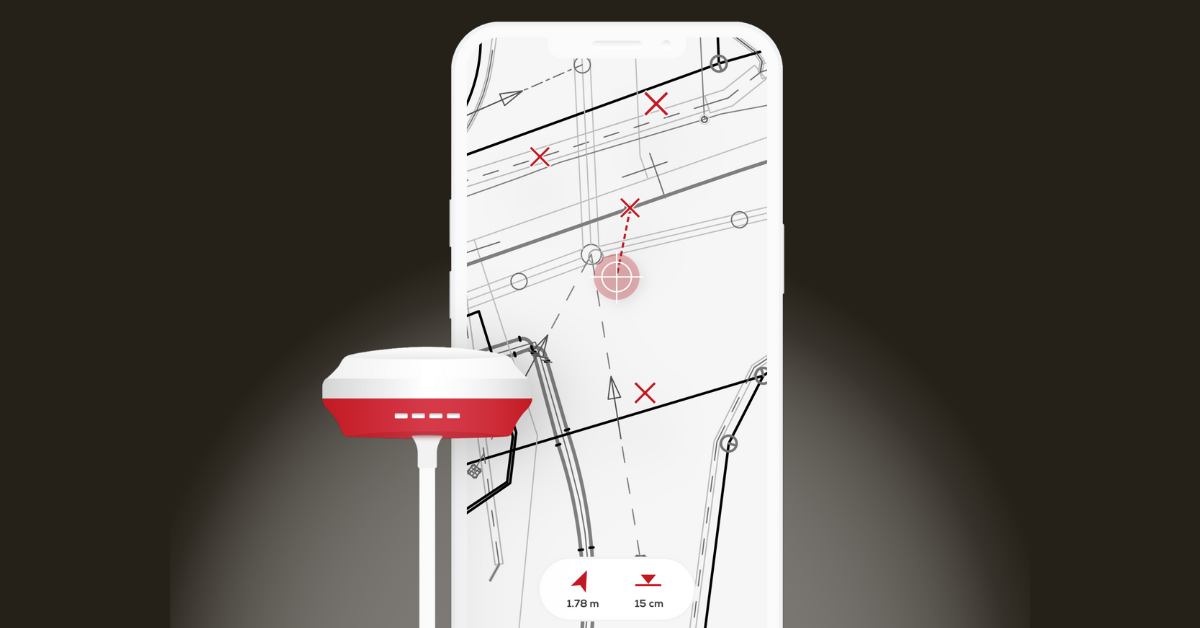
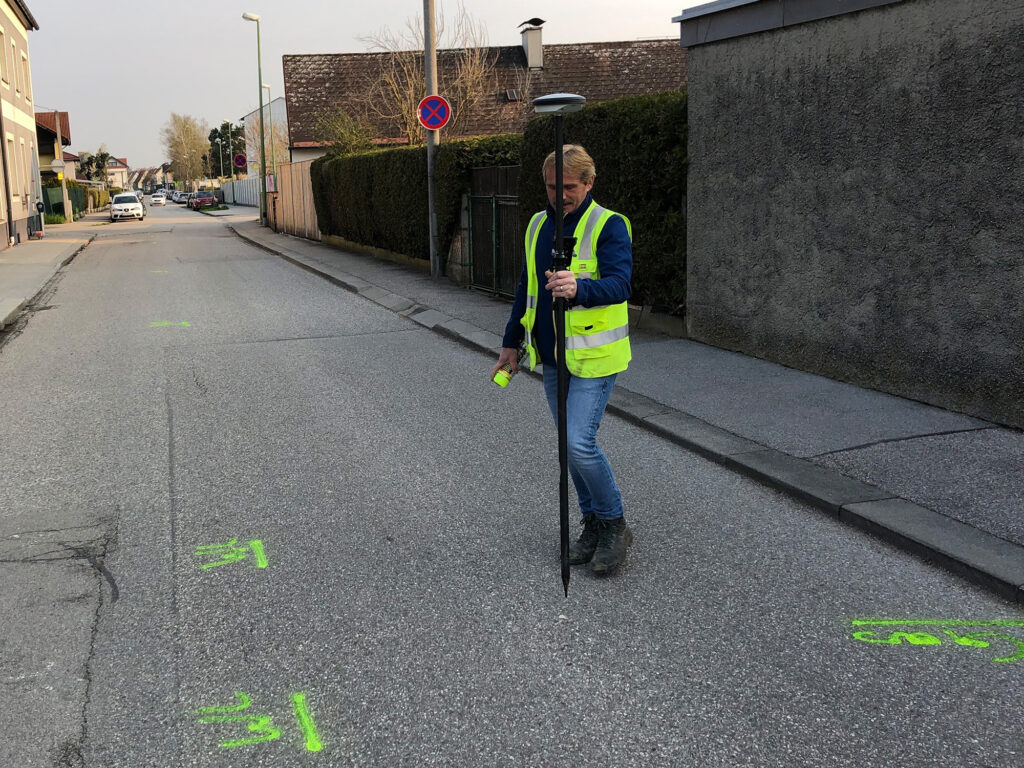
Instead of carrying out the line markings manually with a measuring wheel, tape measure and paper plans, as was previously the case, these can be carried out with georeferenced PDF plan and GNSS antenna can be marked in just a few minutes.
Using the example of a district heating project, the foreman only needed approx. 15 minutes to mark the pipes and determine the location of the asphalt cut for one section alone, instead of the conventional estimate of 2 people working 2 hours each. This results in a time saving of 94 %. Due to the high regularity of the work, this results in several hundred man-hours saved and thus a cost saving of tens of thousands of euros.
The plans available in the site plan at all times and the user's own position on the plan considerably improve awareness and orientation on the construction site and ultimately - according to the experienced foreman - lead to around 70-80 % less cable damage.
"A glance at the SitePlan app, which shows my exact position on the plan, is much quicker than looking at a paper plan. I can quickly see where something needs to be built and where the existing pipes run. It also saves us the time-consuming measuring work with a tape measure and string."
Reinhold S., Foreman PORR
How does it work?
In 4 simple steps!
Download PDF plan from line information portal
Upload PDF plan to SitePlan
Georeference PDF plan
Find and mark existing lines
Line information with SitePlan: SitePlan does not provide utility records and is not suitable for private use, e.g. for locating pipes or boundary points.
Line marking according to line information - all digital
Instead of paper transfer:
-
Upload PDF plan from the line information
-
Georeference plan
-
Position with centimeter accuracy using GNSS antenna
-
Locate cables directly in the plan
-
Marking - immediately correct
Result:
-
No manual tape measure transfer
-
No dependence on the surveyor
-
No delay
In practical cases, up to 80 % Surveying costs saved, if staking out is carried out independently.
Practical procedure: In 4 steps from cable information to cable marking
Step 1: Download PDF of the line information
Step 2: Load plan digitally into the system
Step 3: On-site referencing with GNSS antenna
Step 4: Mark cables in the construction site
None:
-
Paper chaos
-
Tension the cord
-
Handle tape measure
-
Coordinate surveyors
What does this mean for site managers in concrete terms?
- Time: Marking takes place as part of the regular site visit. No separate „marking out day“.
- Costs: Fewer external surveyors. Less downtime.
- Liability: Cables are clearly localized. Documentation is comprehensible.
- Personnel: Foremen without surveying experience can also work. This is crucial when there is a shortage of skilled workers.
Find out more about SitePlan:
Line information with SitePlan: SitePlan does not provide utility records and is not suitable for private use, e.g. for locating pipes or boundary points.