80% Less cable damage in civil engineering
11.03.2026
GPS surveying with mobile app in civil engineering
17.03.2026
Setting out in civil engineering is one of the most important tasks on the construction site - regardless of whether points, lines or complete routes need to be marked.
Everyday life in civil engineering goes like this: The site manager orders the surveyor. The crew waits. The surveyor arrives - tomorrow or next week. If the plan changes or pegs disappear, the game starts all over again. This costs time, money, nerves and flexibility.
SitePlan enables site managers, technicians and foremen to stake out many points themselves - directly on the construction site, using a smartphone and GNSS antenna.
There are three functions for this: Staking out, line staking out and plan orientation.
1. stake out: mark points directly in the terrain
Staking out in civil engineering is carried out by a surveyor: he comes to the construction site with a GPS rover, measures the points and marks them with stakes. The construction plan itself usually remains in the office or in the construction container. If a peg run over, pulled out or destroyed the surveyor has to come back to mark out the point again.
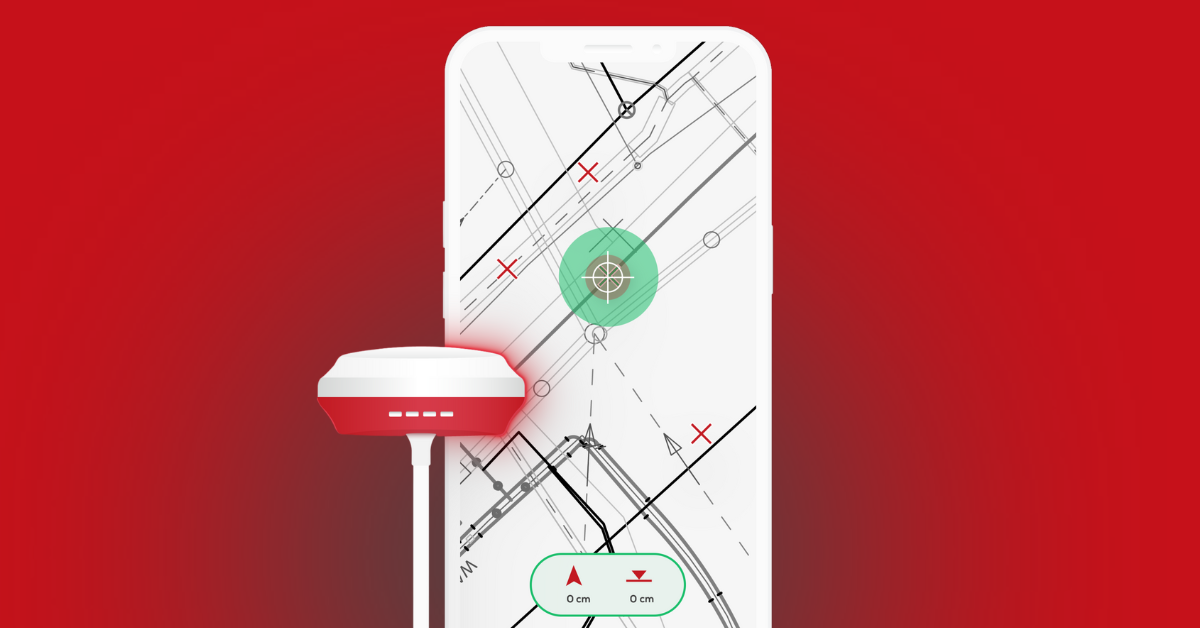
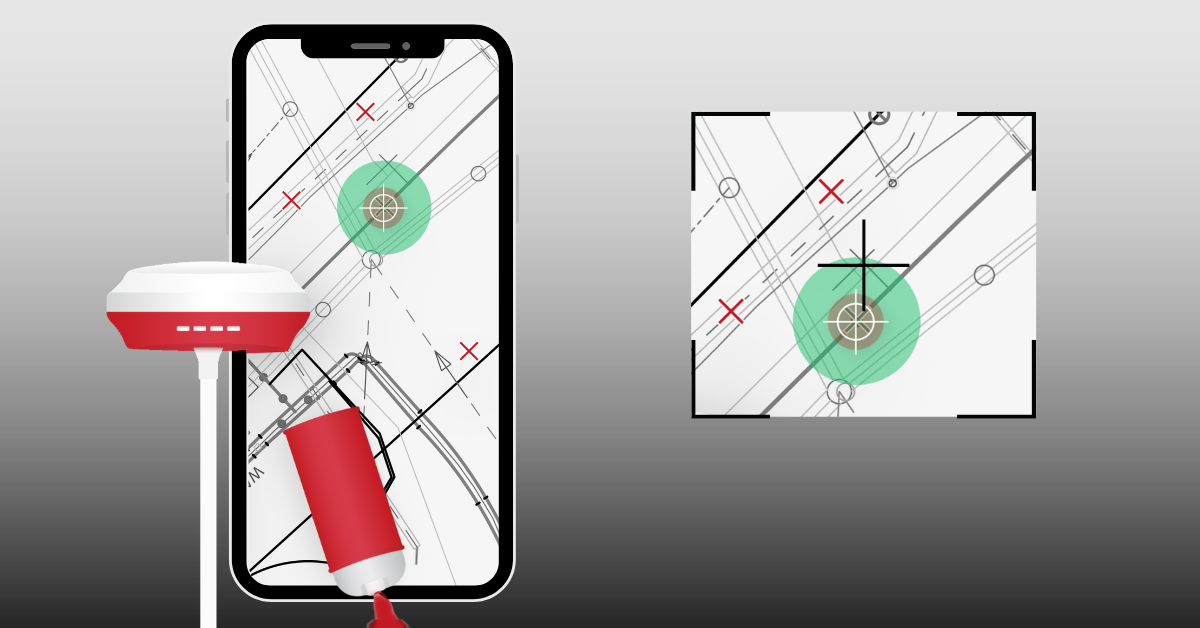
With SitePlan it becomes a GNSS stakeout directly on the construction siteThe site manager imports a list of coordinates (using a .csv file) or CAD points into the project. The foreman opens the project directly on the smartphone or tablet. The app displays their own position, the selected target point and the distance and direction to the point.
The foreman goes to the target point and can mark out the point directly on the construction site - for example with a peg, marking spray or a marking nail.
The result: points can be to the centimeter without the need for an external surveyor every time.
2. plan marking out: marking out directly from the construction plan
Not every civil engineering construction site works with finished coordinate lists. Often only a plan is available - for example as a .PDF, .DWG from the engineering office.
This plan used to be stored in a container or in the office, and outside on the construction site, points were transferred from the paper plan using a tape measure and string. Some positions had to be estimated or measured manually, which was time-consuming and error-prone.
With digital plan orientation this process is much simpler:
The site manager loads the plan into the app and georeferences it so that it is directly in the correct position on the construction site. He then orients himself to the desired point on the plan - for example a manhole or house connection - and the app shows the current position using crosshairs.
This allows the point to be marked directly on the terrain, without a tape measure and without a paper plan.
3. line staking: mark routes and lines precisely
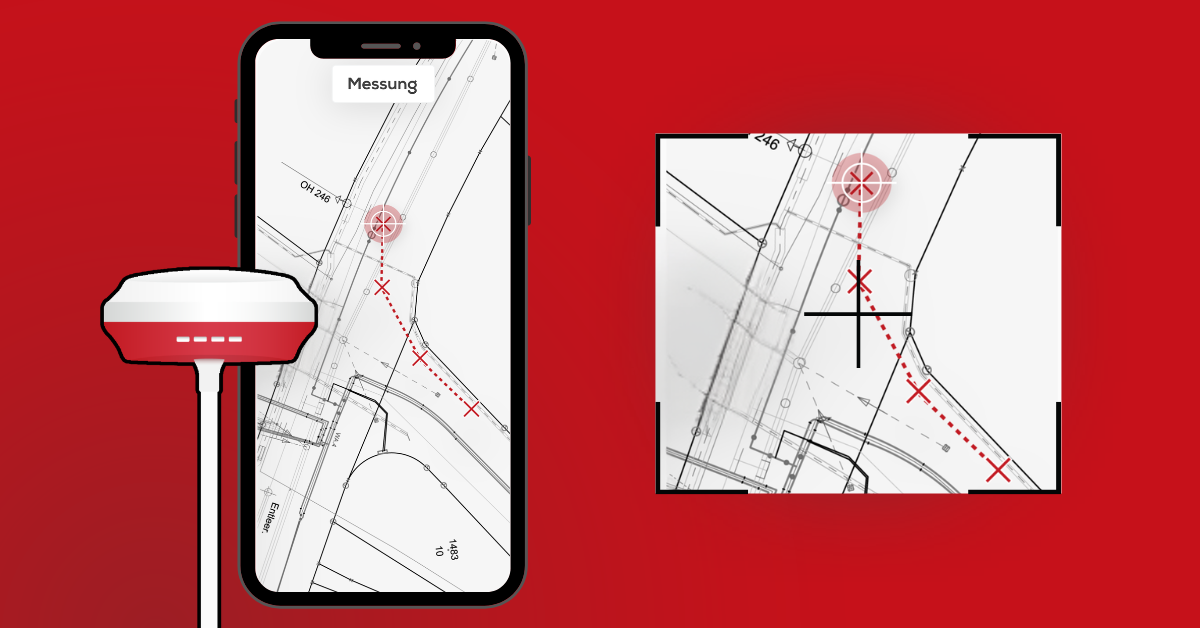
Typical examples of line marking are cable routes, district heating lines, water pipes, drainage lines or kerbs. Traditionally, such lines were transferred from a paper plan using a tape measure or string. This is time-consuming, requires several people and easily leads to deviations.
With line marking, a drawn or measured line is digitally displayed on the plan. The foreman can see the course of the line, its current position and the distance to the line on the device. This allows him to mark the line step by step in the field, for example with marking spray or stakes.
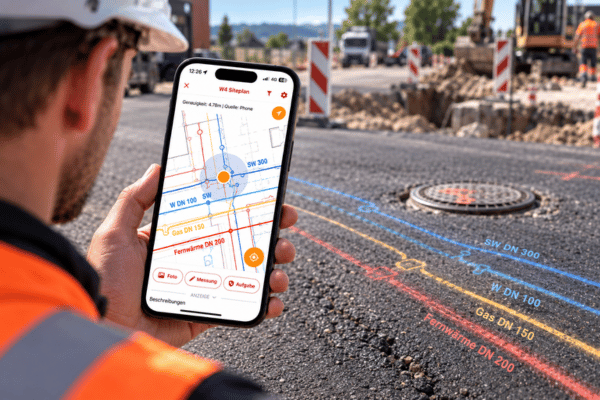
This also reduces the risk of classic Excavator hit. If the route of a pipeline is clearly visible, the excavator operator knows exactly where he is allowed to dig - and where not.
80 % Save external costs for setting out
On many civil engineering construction sites, a surveyor has to be organized for every stakeout. Setting points, marking routes, positioning shafts - the crew is waiting and external surveying costs are incurred.
With digital setting out, site managers, technicians and foremen can carry out many of these tasks themselves. Points and routes are marked out on the construction site as required - without a surveyor.
The result: Up to 80 % less external costs for setting out and significantly more control over the construction site process.
How staking out works in the app
Navigating the construction site SitePlan the foreman to the target point. He can see his current position, the target point in the plan and the remaining distance on the screen.
As it moves, the distance is constantly updated. The app also supports with acoustic signalsThe closer you get to the point, the clearer the feedback becomes. This allows the foreman to quickly find and mark the point in the terrain - without having to look at the screen for a long time.
As soon as the target point is reached, it is marked directly in the terrain with a stake, spray or marker nail.
Stakeout rethought
With the functions Point staking, line staking or plan orientation site managers and foremen can perform many tasks themselves - directly on the construction site, with a smartphone and GNSS antenna.
The result is less waiting time, lower surveying costs and significantly more control over the construction process.